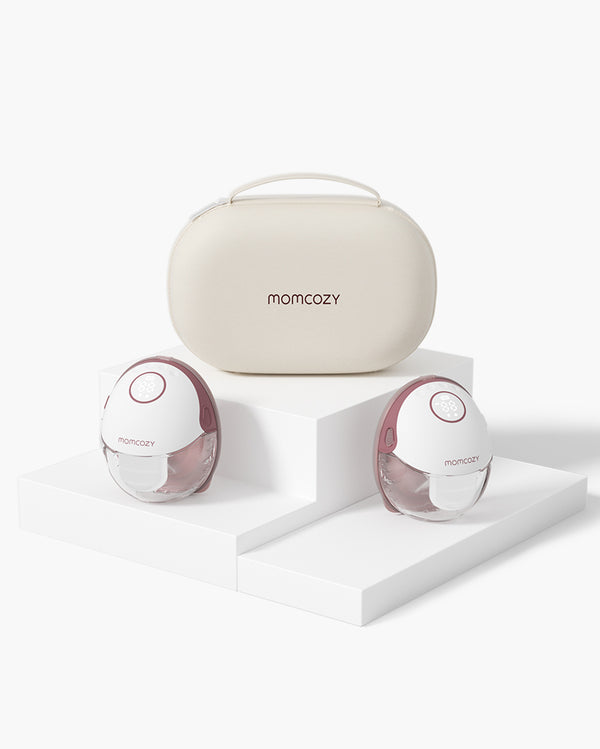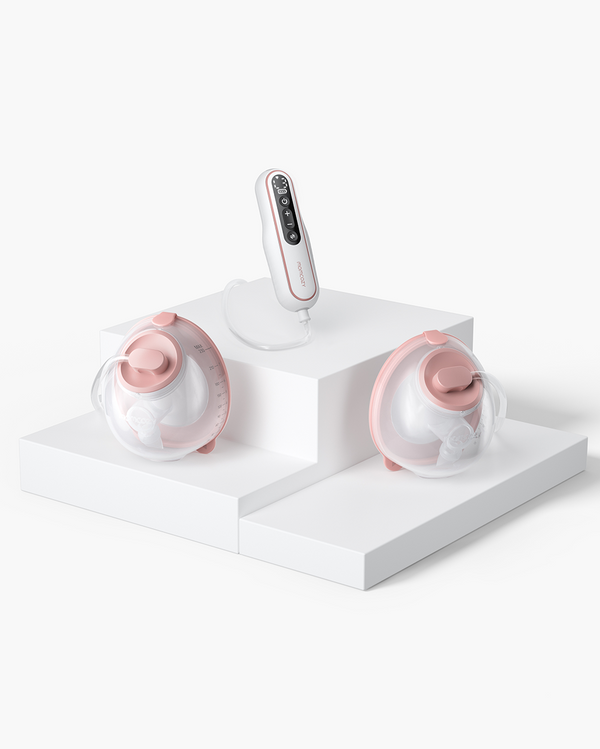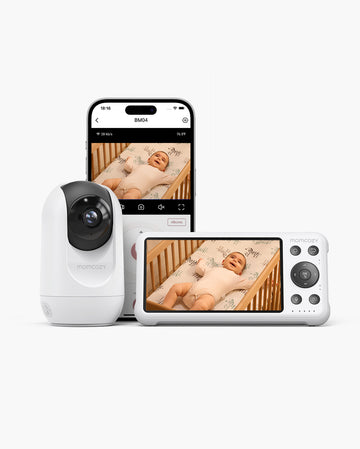
First-year baby care includes a lot of repeated tasks. You will have to prepare a sleeping space every day, soothe them when they're awake, or clear a stuffy nose. All these become easier to manage when you do a quick infant safety check. You may use baby nasal aspirators, baby sound machines, baby swings, and baby monitors to reduce friction in those moments. But each tool has a narrow role and must follow current instructions, age or weight limits, and direct adult care.
Baby Safety Month can be a timely reminder to review each setup as feeding, sleep, and mobility change from newborn days to crawling and pulling up.
Key Takeaways
- A useful first-year baby-care routine follows feeding, sleep, comfort, and developmental cues while pairing every repeated task with a brief safety check.
- Nasal aspirators may support congestion care when used gently and sparingly. However, you must consult your doctor if there's irritation, bleeding, feeding difficulty, or breathing concerns.
- White noise may become a consistent sleep cue. But note that you have to set the right volume, distance, and placement. Furthermore, it does not make an unsafe sleep space safer.
- Baby swings should only be used when both you and the baby are awake. Move a sleeping baby to a firm, flat, approved sleep surface.
- A baby monitor can let you stay updated on your baby's condition while you're not near their crib. But you need to ensure the camera placement is correct, the signal is good, and the privacy settings are set. It also does not fully replace direct adult supervision.
- Safety routines should be reset before rolling, sitting, crawling, or pulling up changes what a baby can reach, grab, or fall from.
- Heat sources, damaged devices, hot liquids, and online warming hacks deserve special caution because everyday comfort routines can unintentionally create burn risks.
Build the Routine Around Cues, Not a Perfect Clock
Some families build a strict schedule for feeding the baby and naptimes. You should avoid that. Instead, use baby cues to quickly identify and respond to hunger, tiredness, illness, and developmental changes.
Doing that allows you to identify what the baby needs and predict when they will need it. It's better because the baby may cluster feed, have short naps, or have growth spurts. These can derail a set schedule, which may make caregivers feel guilty.
You can still do brief tracking, but only when it solves a question, such as feeds, medications, or repeated congestion. Do not use it as a permanent measure of your performance as a parent or caregiver. The Baby Safety Month reminds you to review your routines. But note that you can, and you should, always review them, whether it's Baby Safety Month or not.
Who Benefits from This?
A routine based around cues can help people who are still figuring things out. That includes:
- first-time parents
- parents returning to work
- families that share nighttime responsibilities
- grandparents taking care of their grandchild
- caregivers taking care of more than one child
Use a "Care Moment → Safety Check → Reset" Loop
You can use a "Care Moment → Safety Check → Reset" Loop when doing safety checks. First, identify your goal and the smallest useful tool role. Then, identify the non-negotiable boundary. Finally, identify the event that makes the setup outdated. If that's true for your situation, you should change your routine.
| Care moment | Parent pain point | Tool may help with… | Safety boundary | Reset trigger |
|---|---|---|---|---|
| Stuffy nose | Feeding or settling feels harder | Removing visible or loosened nasal mucus | Gentle, brief, shallow use; clean and dry; stop for irritation | Bleeding, breathing concern, frequent need, or label mismatch |
| Nap or bedtime | Household noise disrupts a familiar routine | A consistent background sound cue | Safe sleep setup stays primary; low volume, distance, stable placement, cord control | Crib moves, mobility changes, or volume/source changes |
| Awake soothing | Caregiver needs a short hands-light moment | Supervised calming or play | Awake use only; harness and label limits; transfer if sleep begins | Rolling, sitting, climbing, weight/age limit, or damaged parts |
| Remote check-in | Caregiver is in another room | Audio/video awareness between direct checks | Not a substitute for supervision or medical monitoring; secure camera and cords | New room, weak signal, missed alerts, shared access, or software change |
| New mobility | Yesterday’s safe setup is now reachable | No product substitute—reset the environment | Recheck heights, cords, small objects, gates, furniture, pets, heat, and water | Before rolling, crawling, pulling up, or visiting a new space |
Nasal Care: Clear Only When Mucus Is Getting in the Way

A nasal aspirator is not a must-have for all baby registries. However, it is very useful when loosened mucus is interfering with comfortable feeding, sleep preparation, or breathing through the nose.
You should also check whether it's dry, visible mucus or deeper secretions. You may use a soft nasal picker to remove dry boogers near the nose entrance. Do not use it to probe deeply.
Please also note that different nasal aspirator types differ in noise, control, and other factors. The baby may or may not tolerate the device based on these factors.
Usage Tips:
- Soften thick mucus with saline drops or sprays
- Keep the insertion shallow
- Use brief and gentle suction
- Avoid repeatedly suctioning an irritated nose
Cleaning Tips:
- Disassemble only as directed
- Wash the relevant parts and allow them to dry thoroughly
- Replace filters when required
- Avoid cross-use between children
Important Note:
Consult your pediatrician if:
- There is bleeding
- The irritation worsens
- Nose congestion makes feeding difficult
- There are breathing concerns
- A pattern prompts very frequent suction.
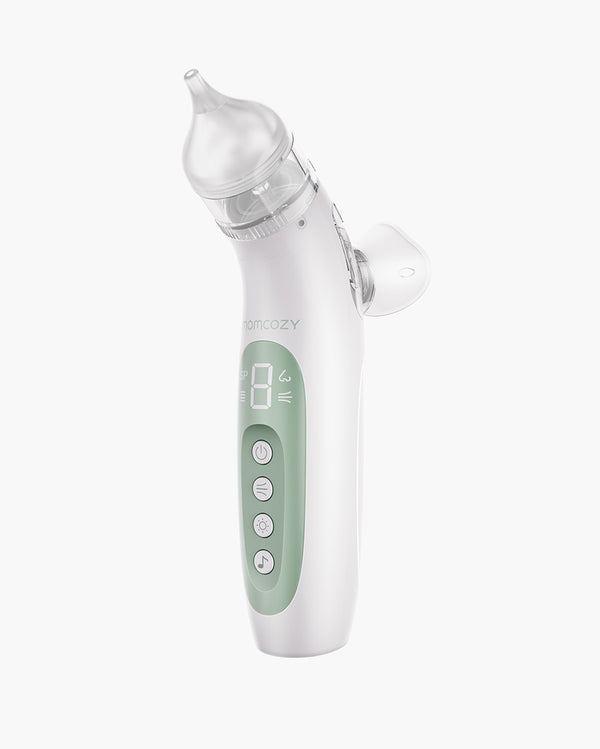
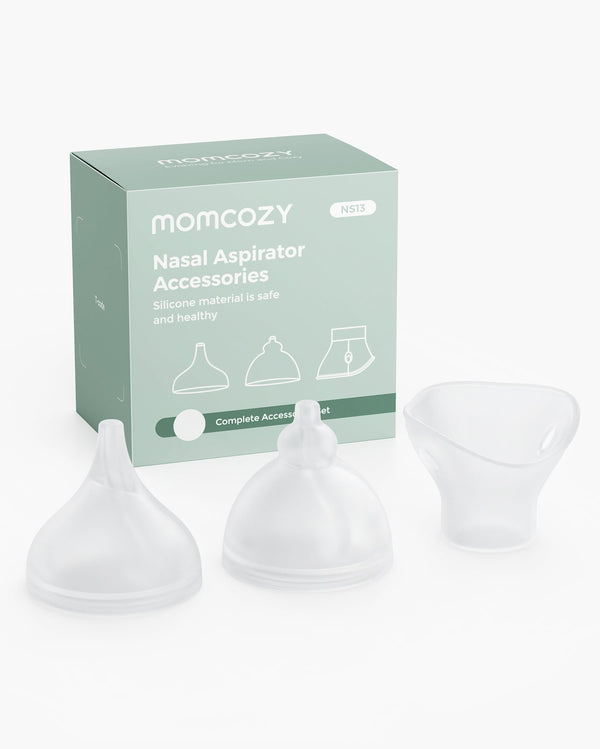
Check the Momcozy Baby Nasal Aspirator if you are looking for a nasal aspirator. Also check the nasal aspirator types and safety guide for more details.
Sleep Environment: Keep the Safety Setup Separate From the Sleep Cue

For safe sleep, you need to place a baby on their back on a firm, flat, approved surface. The sheet should be fitted, and there should be no objects in the sleeping area.
You can use a sound machine to mask unwanted noise and signal to your baby that it's time to sleep. However, please note that this tool does not reduce SIDS risk or compensate for an unsafe sleep setup. Always follow the guidelines the experts have provided.
Drawbacks
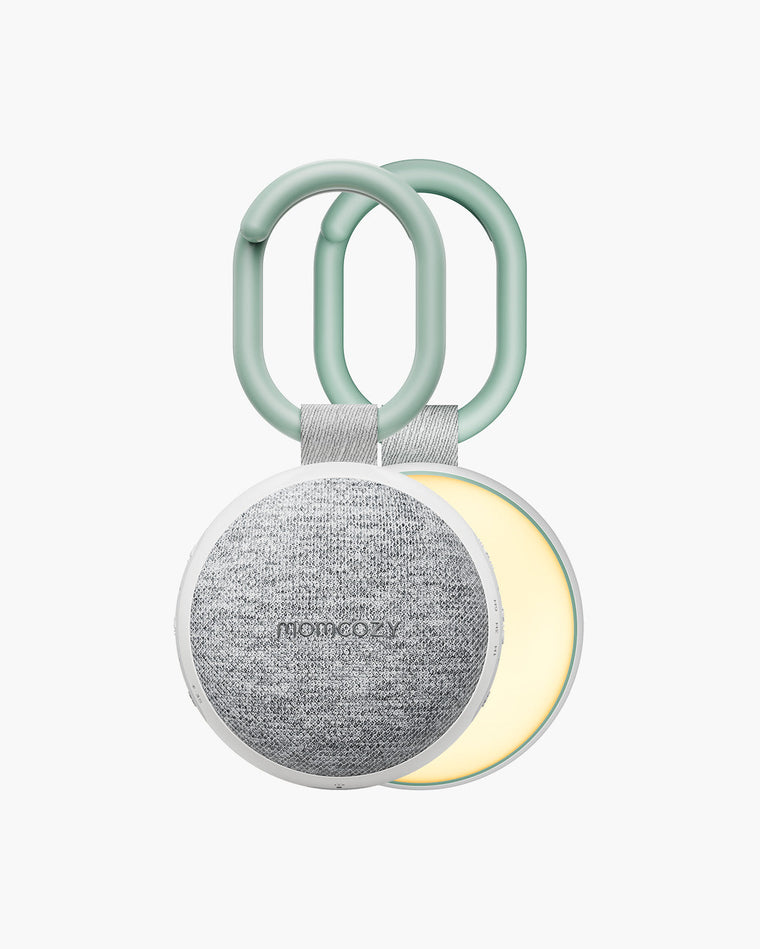
There are some drawbacks to using sound machines to cue sleep time. You may not be able to use them during power outages or while you are traveling. That's unless you are using a portable one like the Momcozy Portable Sound Machine.
Some sound machines are also connected to an app, which introduces notifications. While louder notifications can alert you better, they may disrupt sleep.
Safety Guidelines
Additionally, when using a sound machine, use the lowest practical volume and keep the device away from the crib and baby. It must also be on a stable surface, and the cords must be fully out of your baby's reach. Visit the sound-machine decibel and placement guide for measurement details.
Some families leave the sound machine on all night, while others use timers to turn it off. You can choose what works better for your setup.
Supervised Awake Soothing: Where a Baby Swing Fits—and Where It Does Not

A baby swing like the Momcozy CocoSway 3D-Motion Electric Baby Swing is great when your arms need a short break, but you can remain present and attentive. It can soothe your baby while you rest. However, please note that swing time should not replace holding, responsive interaction, supervised tummy time, or floor play.
Are baby swings safe? Yes, but you should use the harnesses correctly and place the swing on a stable surface. Also, follow the manufacturer's recline and assembly instructions, current age recommendations, weight limits, and developmental limits. These help keep your baby safe while they are on the swing.
If they fall asleep, move them to a firm, flat, approved sleep surface as soon as practical. Babies should not sleep on a baby swing.
Also, inspect the baby swing regularly. Look for loose fasteners, damaged fabric, unusual odor, unexpected movement, or missing parts. Furthermore, check if it causes overheating. You should also check if it's a recalled model. If it is, it's highly likely due to safety concerns.
Monitoring Without Outsourcing Supervision
Suppose you want to stay updated about your baby's condition even when you're away from their crib. You can use a baby monitor to check on them between room visits. However, note that a baby monitor does not guarantee safety. It does not replace an attentive adult and safe sleep practices. Additionally, baby monitors are not medical devices.
For safe use, place the camera in a spot where you have a clear view of your baby. Keep every cord well out of reach so that your baby will not be able to grab them. Recheck the placement when you move the crib or the baby begins reaching and pulling.
Test the baby monitor's battery behavior, signal range, and what happens during an outage before relying on it.
Wi-Fi vs. Non-Wi-Fi Baby Monitors
There are two types of baby monitors: Wi-Fi and non-Wi-Fi. Each has its advantages over the other. Choose a model based on your needs.
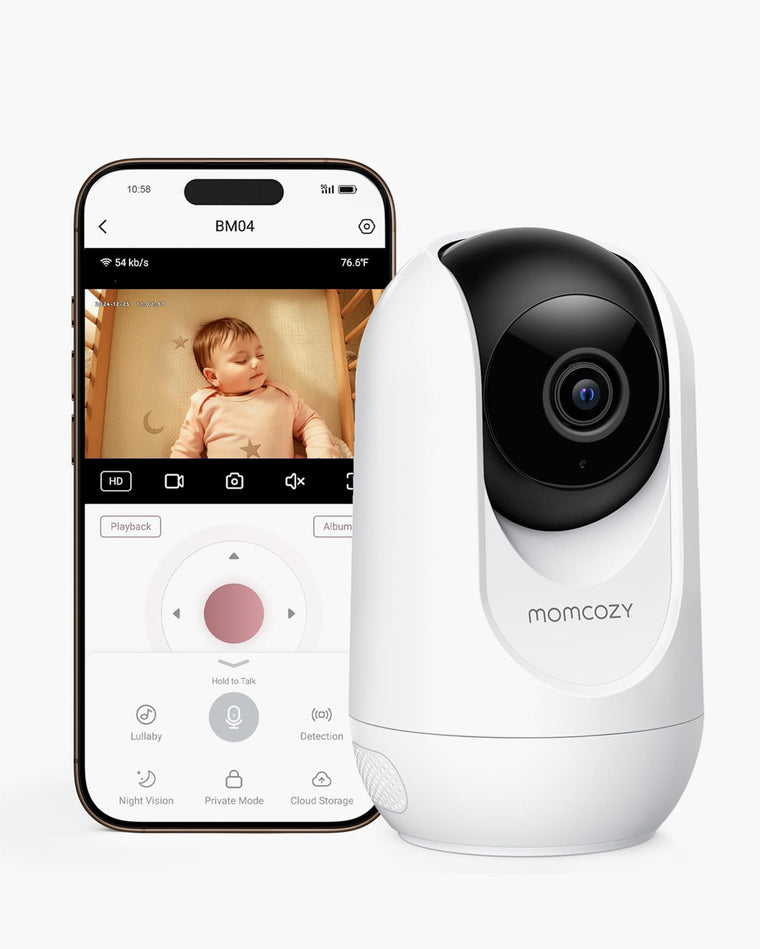
Wi-Fi baby monitors like the Momcozy BM04 Video Baby Monitor allow you and others to view your baby remotely. However, that raises some security concerns. You must change the default credentials and use a unique, strong password. Enabling multi-factor authentication is also recommended. Furthermore, update the device and app when updates are available. Read the Wi-Fi baby monitor security guide for the full guide.
Non-Wi-Fi monitors like the Momcozy BM03 Video Baby Monitor are for local use only. The monitor and camera are connected via a direct radio frequency link. You can view your baby while you're in the kitchen or a different room, just not when you are far away. It's more secure, but no baby monitor is completely hack-proof.
Reset the Environment Before Each New Mobility Stage
Reset your routines before developmental changes. Know when babies learn to roll, crawl, pull-to-stand, and such. Then, change your routines before those moments approach.
This covers the changes you need to make as the baby develops. Visit our newborn safety guide if you're looking for a detailed guide on how to keep a newborn safe. Meanwhile, the newborn care guide explores all the needs of a newborn.
Before Rolling
Stop leaving the baby unattended on beds, sofas, changing tables, or other raised surfaces. You don't want them to roll while they are unattended and fall. Prepare a safe floor-level space that's accessible to you but not to pets.
Before Crawling
Scan the room for cords and small objects like button batteries and medicines. Put these out of your baby's reach. Also store pet bowls, cleaning products, and rechargeable hot items away. If possible, also move furniture with low edges.
Before Pulling Up
Anchor unstable furniture and televisions so that they won't fall on your baby when they pull up. Also move your monitor and sound machine cords. Furthermore, recheck tablecloths or objects that can be pulled down.
Play During Bathtime
Babies start to play during bathtime at around 5 - 7 months old. Maintain close supervision during bathtime and pool time.
Traveling
When traveling with your baby, use a correctly installed rear-facing car seat. Ensure it follows the current car seat instructions and law.
Real-Life Friction: What Parents Say Makes Routines Fail
Many parents say routines fail for different reasons. Here, we will go over these problems one by one and how to adjust your routines.
“Do I need this on the registry?”
Consider how often you expect to use the product, how much storage space it needs, and how much cleaning it involves. If you already have a simpler option that works just as well, you may not need another item taking up space. If it solves a problem you expect to deal with often and is easy to store and clean, it may be worth adding to your registry.
“My baby hates the noise or the device.”
Babies have different preferences. If using a sound machine does not please or comfort them, stop using it. Do not continue using the product just because it is popular online. Look for alternative methods to cue sleep time.
“It is too much work at 2 a.m.”
It can get overwhelming when you have many tools to find. Give each tool one storage spot and keep only label-approved clean parts ready. Then, teach the same setup to every caregiver. This will make finding the tools - and your nights - easier.
“What if the Wi-Fi, battery, or app fails?”
Routinely check the signal strength and battery. Update the app whenever an update is ready. These can help prevent those scenarios. Still, you should prepare a backup method that does not rely on a device. Taking care of the baby should not revolve around the tools.
“Everyone online has a better routine.”
Owning a large collection of gear or a seemingly perfect nursery screams success. But real success comes from fewer unsafe improvisations and routines that are manageable for you. There is no one right way to do it, but there's a way that is right for you.
When to Pause the Routine and Call a Professional
Immediately call a medical professional if:
- Your baby experiences breathing difficulty.
- Your baby turns bluish or grayish.
- Your baby is choking.
- There is a serious burn.
- You suspect poisoning.
- Your baby is unresponsive.
- They have a severe injury.
Also, contact a pediatrician for:
- feeding difficulty
- a very young infant with fever
- persistent nasal bleeding or irritation
- worsening symptoms
- unusual sleepiness
- suspicions that your baby is not acting normally
Device Incidents
Never use a normal monitor image or a baby's quietness as proof that medical assessment is unneeded, especially after a fall or device incident.
Immediately move the baby to a safe place to prevent further incidents. Furthermore, stop using the product and preserve any relevant information.
Contact the device's manufacturer after immediate care needs are addressed. Report the incident and ask whether the device should be inspected, returned, or replaced.
Choose Tools by the Routine They Support
Having baby nasal aspirators, baby sound machines, baby swings, and baby monitors will help. But you may not need them all. You can use these questions to choose which ones to prioritize:
- Which repeated moment in newborn care is difficult?
- What is the tool's narrow job?
- Can every caregiver use it properly?
- Can they clean, secure, and store it correctly?
- Does it fit the baby's current age, weight, development, and your home's setup?
- Can you or the caregiver manage all the setups, notifications, subscriptions, charging, and such?
Select a tool based on a recurring problem. For example, if it takes a long time before your baby falls asleep, you may need a sound machine. Test the setup within its boundaries and remember to change routines as the baby develops.
FAQ
Parents also ask these questions.
Do I need every baby-care device before the baby arrives?
No. Start with essential safe-sleep, feeding, diapering, transport, and hygiene needs. Then, add a device only when a repeated care problem and the product’s labeled use are both clear.
Can a nasal picker replace an aspirator?
A soft picker may help with dry mucus that is visible near the nostril entrance. It is not a substitute for gentle suction when loosened mucus is deeper, and neither tool should be inserted deeply.
Is a non-Wi-Fi baby monitor completely secure?
Local-only models reduce Internet-related exposure, but no consumer device is completely secure. Physical placement, cord control, signal privacy, access to the parent unit, updates, and direct supervision still matter.
Can I use secondhand baby-care devices?
Check the model, recall history, age and weight labels, structural condition, battery and cable condition, current manual, and availability of original parts. Avoid products with missing labels, unknown history, damage, or incompatible accessories.
What should I do if a baby-care device feels unusually hot?
Move the baby to a safe place, stop using the device and disconnect it if this can be done safely. Then, inspect for damage. Seek prompt medical advice for any suspected burn and contact the manufacturer afterward.
Conclusion
Your routines should follow the simple loop. Identify what you need, choose the simplest tool that can help, and ensure you are using it safely. Reset the setup before development makes it outdated. Aim for these flexible, repeatable habits instead of a "perfect nursery." It will help you keep your baby safe and also pick tools that will actually be useful.
Contact a medical professional when you notice something is wrong, and contact a device's manufacturer to report issues.