Baby monitor battery life ranges from a few hours to much longer, depending on which device is battery-powered and which mode the runtime describes. On a dedicated system, quoted hours usually refer to the rechargeable parent unit while the nursery camera often stays plugged in; on an app-based monitor, viewing depends on your phone or tablet. When comparing baby monitors, check whether a claim means continuous screen-on use, screen-off audio, VOX/ECO, or standby.
Key Takeaways
- A listing’s hours may describe the camera, parent screen, or app-viewing phone. Find out which.
- Keeping a display lit for video generally takes more power than screen-off audio.
- Standby is a low-activity state. Don’t read it as live-view time.
- Many dedicated systems plug in the nursery camera and recharge the parent unit.
- Brightness, volume, how you use the screen, and battery age all play a part.
- Think of the stretch you need: a nap, bedtime to your bedtime, overnight, or a trip. The mAh or maximum-hours figure by itself can’t answer that.
What Does “Baby Monitor Battery Life” Actually Refer To?
The camera, parent unit, and phone or tablet aren’t interchangeable parts. One sends the nursery picture, one is a separate viewing screen, and one may run an app. Look at the runtime label to see which is being measured.
Product listings may foreground the portable viewing device, so check whether the battery-hours claim refers to the parent unit, your phone, or the camera.
Camera power
Start with the camera’s own power details. Plenty of dedicated models are designed to sit near an outlet, but don’t assume yours can or can’t run on a battery without checking. The BM03 is a confirmed example: its camera has no built-in battery and needs power continuously.
Parent-unit battery
The parent unit is the handheld screen you can carry or leave at bedside. Its rechargeable battery has to power that display, and runtime changes with how often the screen is awake.
Phone or tablet battery
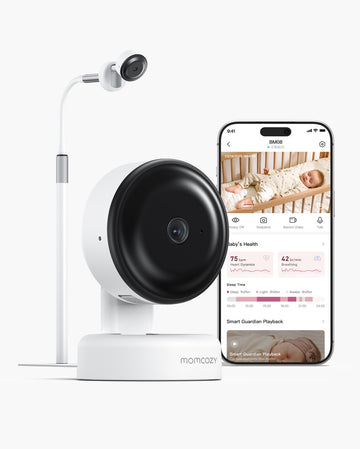
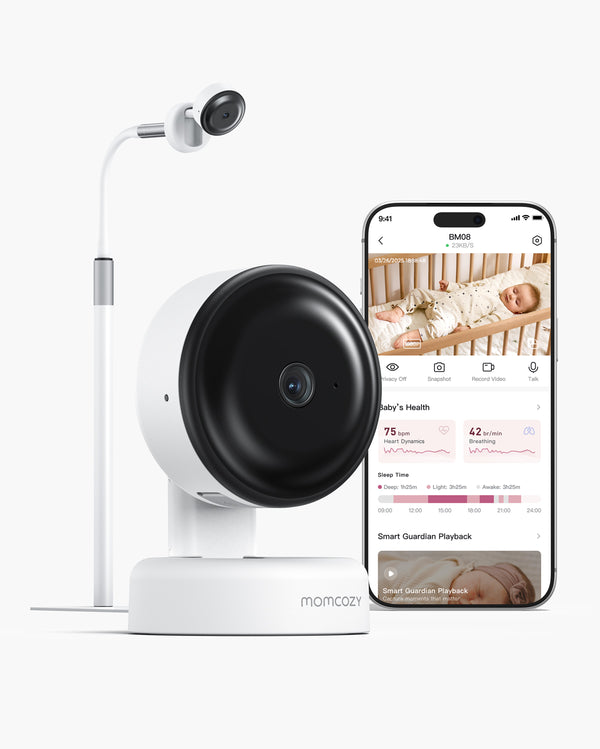
The BM08 is app-first and has no dedicated parent screen. Its camera is corded; your phone or tablet is the viewer you need to keep charged.
|
Component |
Typical power source |
What to check |
|
Nursery camera |
Often plugged in; verify by model |
Does it have a built-in battery? |
|
Dedicated parent unit |
Rechargeable battery |
Runtime for each mode |
|
Phone/tablet |
Device’s own battery |
Your use and charging habits |
How Long Does a Baby Monitor Battery Last in Real Use?

There’s no category-wide runtime. Two reference points help show the range: a lab test of dedicated units and a maker rating with a named condition. Neither predicts your result at home.
BabyGearLab’s test set measured 5 to 16 hours for dedicated parent units. App-only models were excluded because they use the owner’s phone or tablet. That range describes the tested units under the lab’s method, not what every monitor will deliver.
The condition matters. Some monitors lasts about 12 hours for one monitor with its screen continuously on. Your settings and battery age can shift the result.
Screen-On, Screen-Off, VOX/ECO, Regular Mode and Standby Are Not the Same
The labels sound familiar, but brands don’t always define them alike. Before comparing two hour counts, check the manual: what remains on, and what makes the screen wake?
|
Mode |
What is happening |
Typical power effect |
What to verify |
|
Continuous screen-on |
Live video remains on the display |
Usually the highest drain |
Test brightness and volume |
|
Screen-off/audio |
Display goes dark; audio may continue |
Usually less display use |
Does audio continue on this model? |
|
VOX/ECO |
Sound- or event-triggered saving; varies by model |
May reduce screen-on time |
What wakes the screen? Does audio continue? |
|
Regular mode |
A manufacturer’s label |
Depends on its definition |
Check the manual; don’t assume conditions |
|
Standby |
Low-activity readiness, not live viewing |
Varies by model; not comparable to screen-on time |
Confirm this isn’t screen-on runtime |
Published Momcozy examples:
- BM01: when fully charged, “Display on + voice on = 11.5 hrs” and “Display off + voice on = 22 hrs,” according to the product page.
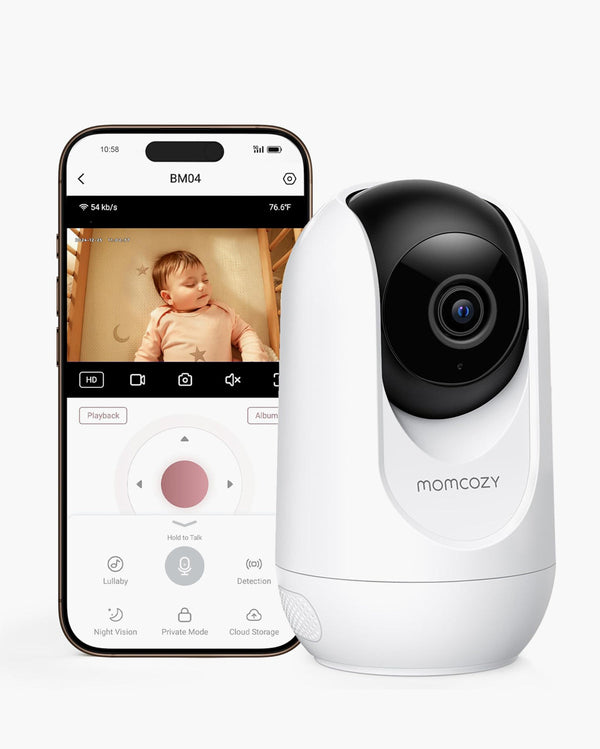
- BM04: up to 10 hours with the screen always on and up to 20 hours in “regular mode.” That’s the product page’s wording; it doesn’t define regular mode further. See the BM04 page.
- BM03: up to 72 hours of standby under test conditions. Its product page says this is standby, not continuous screen-on time, and notes that brightness, volume, alert frequency, and usage mode affect actual runtime.
For setup and troubleshooting, see our guide to VOX mode on a baby monitor.
What Actually Drains a Baby Monitor Battery Faster?

Start with the display: brightness and time spent on are clear battery factors. Volume and steady audio can contribute too. On models with them, panning, zoom, two-way talk, and frequent alerts add active use.
Extra cameras can change how you use a monitor, but there’s no fixed runtime penalty without a model-specific test. A poor connection can increase activity on some units, though the effect depends on the model. Battery capacity can also decline with age. If the monitor stays unusually warm, ask support to check it. Don’t switch off an alert you rely on just to stretch the charge.
Why Is My Baby Monitor Battery Draining Faster Than Advertised?
Before worrying about a fault, line up your settings with the battery claim. A screen-on test and standby claim are miles apart; regular or VOX/ECO may mean something else again. Check brightness, volume and how many cameras were in use. A maximum is tied to its test setup, not every home.
Normal variation
- Your screen is brighter or stays on longer than it did for the test.
- The listing describes a different mode from the one you use.
- The battery has gradually lost capacity with age.
- More than one camera is in use, if your system supports that.
Possible battery or charging problem
- Runtime has suddenly dropped compared with what the unit used to provide.
- A low-battery warning appears soon after a full charge.
- Charging no longer behaves normally.
- The parent unit gets unusually warm.
If runtime has fallen sharply, do a controlled check before deciding the unit is defective. A short run by itself doesn’t identify the cause; include the charging behavior and how long you’ve had the unit in your assessment.
How to Make a Baby Monitor Parent Unit Last Longer
A few small changes may buy more time between charges. Try only what your model supports:
- Turn the brightness down to a level you can still read comfortably.
- If available, use screen-off audio, VOX, or ECO when that suits your monitoring routine.
- Let the display sleep when you don’t need to see live video.
- Stick to the adapter and cable recommended for your unit.
- Top up when convenient; don’t repeatedly run the battery all the way down as a test.
- Leave a sealed monitor closed. Contact support if the battery needs attention.
Use your manual for charging instructions. The suggestions here are about monitor runtime; they aren’t a general battery-care routine.
Does the Baby Monitor Camera Need to Stay Plugged In?

The camera and the parent unit may have different power arrangements. Many dedicated monitors keep the nursery camera plugged in and make the screen portable; check the exact model. The BM03 camera, for instance, has no built-in battery and needs continuous power.
“Wireless” often refers to the signal carrying video. It doesn’t tell you whether the camera has its own battery. If you’re traveling or preparing for a power outage, check the camera’s power requirement and plan for an outlet or backup.
Wi-Fi/App vs. Dedicated Parent Unit: Where Does Battery Dependence Move?
With a dedicated system, you charge the parent unit. An app-first monitor uses your phone or tablet as the screen, so its runtime depends on your monitoring and everything else happening on the device. Some systems support both ways of viewing, which can give you a phone fallback if the parent unit runs low, provided your phone is charged and the connection is available.
|
Architecture |
Viewer |
Battery to watch |
Main trade-off |
|
Dedicated |
Purpose-built parent unit |
Parent-unit battery |
One more device to carry; runtime depends on mode |
|
App-first |
Phone or tablet |
Phone/tablet battery |
No separate screen, but your phone becomes part of monitoring |
|
Dual-mode |
Parent unit or phone app |
Depends on viewing path |
Two viewing options with different battery conditions |
Connected monitors still need power for the camera and router. For setup and app troubleshooting, see our guide to a baby monitor that connects to a phone.
What Counts as “Good” Baby Monitor Battery Life for Your Routine?
What stretch are you asking the battery to cover? A nap needs a little breathing room at both ends. In the evening, think from the baby’s bedtime to your own. Overnight, decide whether you need video running continuously or are comfortable with VOX or screen-off audio.
When you’re moving between rooms or heading into the backyard, easy portability and a low-battery warning may be more useful than a maximum claim. For trips, check camera power and charging access. Broader help with features, connections, and privacy is in our guide to choosing a baby monitor.
When Short Battery Life Is a Troubleshooting Issue
A shorter run can have several causes. Start by putting your settings next to the ones described in the claim:
|
Normal variation |
Contact support if… |
|
Runtime changes with brightness, volume, or screen mode |
It suddenly drops compared with the unit’s usual runtime |
|
The listed maximum isn’t reached at home |
You need frequent charging for a routine the unit used to cover |
|
The claim describes a different mode |
Charging behaves abnormally or the unit gets unusually warm |
|
Battery life gradually declines over time |
Low-battery warnings appear soon after a full charge |
Give the test a clear starting point: charge fully, reduce to one camera if possible, and set brightness and volume. Note whether the display stays on. Record when you start and what the battery indicator shows.
Momcozy’s BM01 support procedure sets the conditions: full charge with the supplied adapter and cable, one camera in single-camera view, brightness and volume around 50%, Screen Sleep on, VOX off. Observe runtime under those conditions. This procedure is for BM01. Don’t repeat full-discharge tests; use your model’s instructions and contact support if the issue persists.
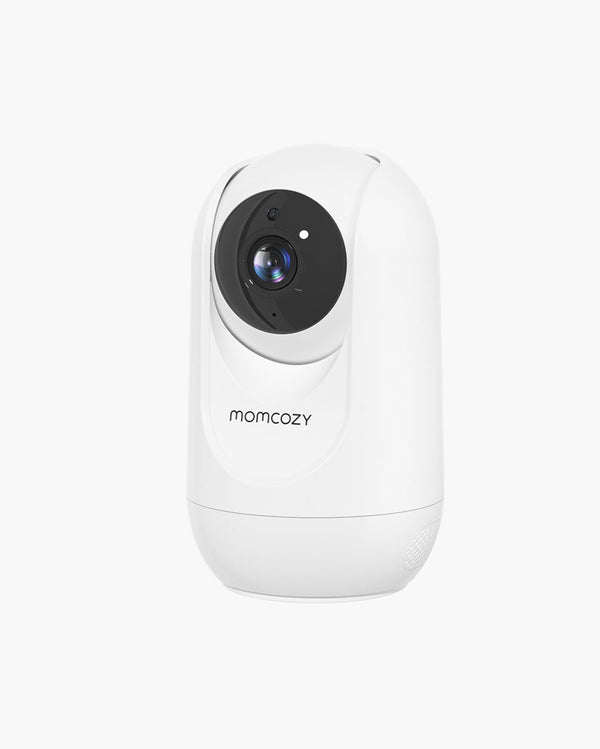

Member price
$224.98code ÉCONOMISEZ 22%
How Momcozy Baby Monitor Battery Claims Compare
Here are four published examples, with each runtime beside its mode. This is a reading guide, not a ranking.
|
Model |
Viewing setup |
Published wording |
Don’t read it as… |
|
BM01 |
Dedicated parent unit |
11.5h display on + voice on; 22h display off + voice on |
22h with the screen lit |
|
BM04 |
Parent unit and app |
Up to 10h screen always on; up to 20h regular mode |
20h continuous screen-on |
|
BM03 |
Dedicated parent unit; camera must stay plugged in |
Up to 72h standby under test conditions |
72h continuous video |
|
BM08 |
App-connected; no parent screen; corded camera |
Viewer time depends on phone/tablet |
Parent-unit battery hours |
For BM03, 72 hours refers to standby, not the screen-on time. BM04’s listing gives a “regular mode” figure without defining it as continuous screen-on use. For the rest of the feature and model comparison, see our Momcozy baby monitor comparison.
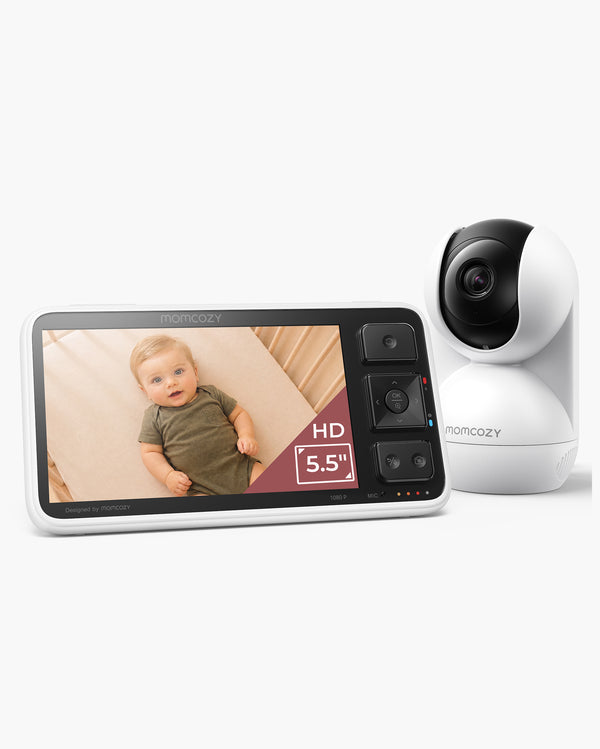
Member price
$143.99$179.99
FAQ About Baby Monitor Battery Life
How long should a baby monitor battery last?
There’s no minimum runtime that fits every monitor. First identify the viewer device, then the test mode. Screen-on video, screen-off audio, VOX/ECO, regular mode, and standby each mean something different. Only compare hour counts measured on the same device and in comparable conditions.
Does a baby monitor camera have to stay plugged in?
Some nursery cameras do need to stay plugged in. The BM03 is one: the camera has no built-in battery, while the parent unit recharges. Check your own model’s instructions. “Wireless” can describe the camera-to-screen signal, not the camera’s power source.
Why does my baby monitor battery die so fast?
Think back to the last charge. Was the screen brighter, or on for longer than the condition in the listing? Check volume and camera setup too. The unit may have aged, or the claim may describe a mode you don’t use. Write down your settings and run a controlled test before calling it a fault.
Does VOX mode save battery?
VOX may help on a model that supports it: the screen can stay off until sound triggers it. That behavior varies, so check the manual and see our VOX setup guide. Choose a mode that still gives you the alerts you need.
Is standby battery life the same as continuous video?
No. Standby means the unit is in a low-activity state; continuous video means the display is showing a live image. The BM03 product page lists up to 72 hours in standby under test conditions and says that isn’t continuous screen-on use. Keep the mode attached to the number when you compare claims.
Does night vision use more battery?
Night vision may affect one monitor differently from another; I don’t have a verified number to quote. Check the specifications for your model. When you compare tests, keep brightness and volume the same and note whether the display stayed on or slept.
Can I leave the parent unit plugged in overnight?
Follow your model’s charging instructions; recommendations can differ from one monitor to another. If the manual doesn’t say whether it’s appropriate to leave the parent unit plugged in overnight, ask the manufacturer’s support team about your specific unit and adapter before making it a regular habit.
Do Wi-Fi baby monitors have better battery life?
Not automatically. With an app-first monitor, the phone or tablet is the screen, and its battery is also serving every other active app. The camera needs power as well; connected systems need the network. You’re relying on your phone’s charge instead of a parent-unit battery.
When should I contact support about short battery life?
Ask support when a full charge suddenly stops lasting as it used to, warnings appear soon after charging, charging is erratic, or the unit stays unusually warm. Share the brightness, volume, screen mode, camera setup, and what happened during a controlled test. That gives them useful details to compare with the model’s rating.
Conclusion
When comparing, keep three things together: the device, its mode, and the length of time you need. Screen-on, screen-off, VOX/ECO, regular, and standby aren’t the same measure, and camera power matters too. See the Baby Monitor Collection or the full Momcozy monitor comparison.